University of Houston – Clearlake
Student Name: Sanjay Govindaraju
Student ID: 2073073
Introduction
The main aim of my project was to learn image segmentation techniques using DQM model in d-wave IDE.
Post achieving this target, I wanted to utilize it on areal photographs of floods to estimate the tree cover percentage. Study shows that planting trees on the banks of rivers can bring down the risk of flooding in the settlements downstream by 20%.
This along with the fact that tree-based agriculture could reduce the risk of loss of yield and safeguard the investment of farmers, gave birth to the idea of estimating the proportion of tree coverage in the areal photograph of flooded riverbanks (with substantial loss of crop yield observed), which could later be improved to reduce the risk of loss of yield and also add to flood mitigation.
In this project, finding the percentage of tree cover could help one estimate how best it could be improved, in order to avoid the future risk of river floods.
Learning Outcomes
Basics of Image Segmentation
Technique to create n x n frames using python libraries.
Creating and segmenting images to observe the effect of segmentation on n x n frames.
DQM model sampler and its uses
Reduction of complex large frame images to 40 x 40 image frame size.
Segmentation of areal photographs to estimate the percentage of tree cover.
Reduction of risk of flooding by planting trees on the banks of rivers.
Project Description
Completed on: July 2022
Platform: D-Wave
Role: Student (Course Project)
Image Segmentation for flood image 1:
Save the below image as floodorg.jpg
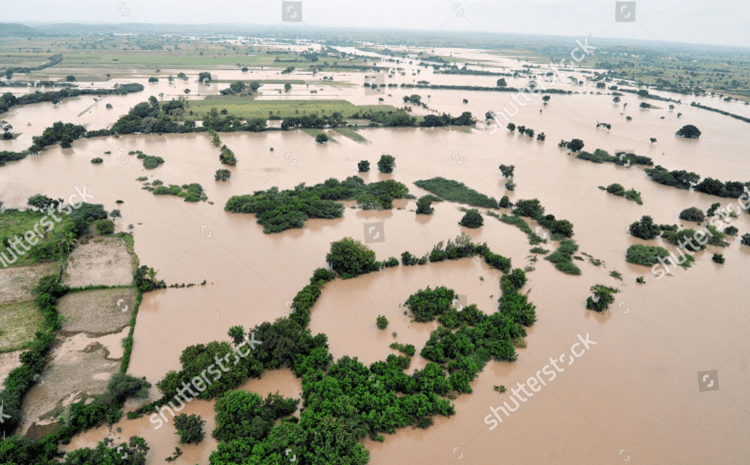
Reduce the size of the image with the below code:
Name: floodImageResize.py
import numpy as np
import matplotlib.pyplot as plt
import cv2
from PIL import Image

img = cv2.imread('floodorg.jpg')
type(img)
img.shape
fix_img = cv2.cvtColor(img,cv2.COLOR_BGR2RGB)
plt.imshow(fix_img)
new_image = cv2.resize(fix_img,(40,40))
plt.imshow(new_image)
cv2.imwrite('flood1.jpg',new_image)
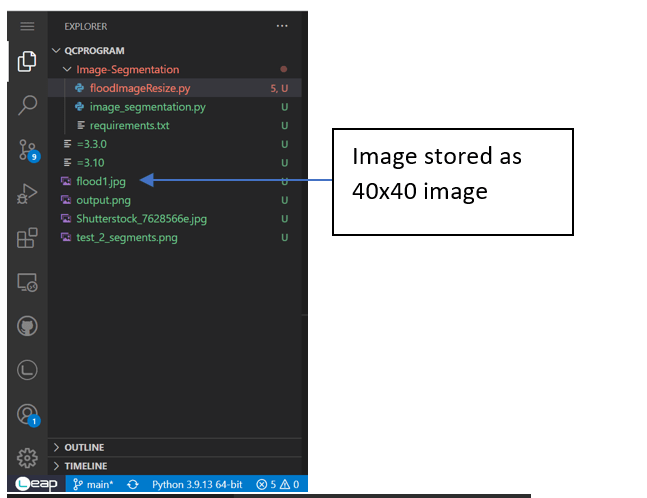
Now the new image is stored as a 40×40 dimension image in the same file
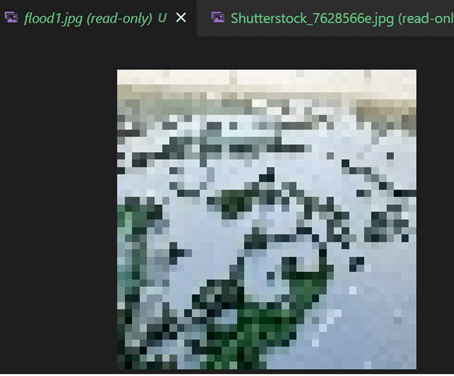
Now Pass this through the DQM sampler program for segmentation:
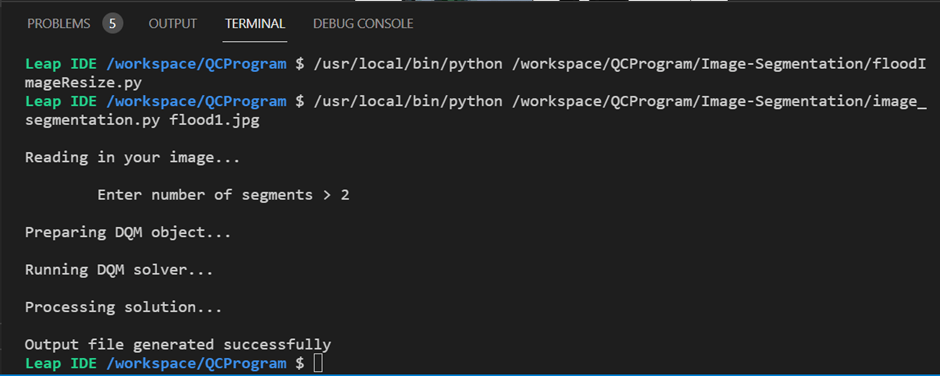
Program :
Name: image_segmentation.py
import cv2
import sys
import numpy as np
import matplotlib
matplotlib.use("agg")    # must select backend before importing pyplot
import matplotlib.pyplot as plt
from dimod import DiscreteQuadraticModel
from dwave.system import LeapHybridDQMSampler

# Define our weight function
def weight(a, b, img):
    _, cols, _ = img.shape
    diff = img[int(a/cols), a%cols, :] - img[int(b/cols), b%cols, :]
    return np.sum(np.square(diff))

# Convert single index into tuple indices
def unindexing(a):
    rows, cols, _ = img.shape
    y1 = a % cols
    x1 = int(a/cols)
    return (x1, y1)

if len(sys.argv) > 1:
    # Read in image file specified
    data_file_name = sys.argv[1]
    random = False

    print("\nReading in your image...")
    img = cv2.imread(data_file_name)

    response_2 = input("\n\tEnter number of segments > ")
    try:
        num_segments = int(response_2)
    except ValueError:
        print("Must input an integer.")
        num_segments = int(input("\n\tEnter number of segments > "))
else:
    # Generate a random image with segments
    print("\nCreating random image...")
    random = True

    # Collect user input on size of problem
    response_1 = input("\n\tEnter image dimensions > ")
    try:
        dims = int(response_1)
    except ValueError:
        print("Must input an integer.")
        dims = int(input("\n\tEnter image dimensions > "))

    response_2 = input("\n\tEnter number of segments > ")
    try:
        num_segments = int(response_2)
    except ValueError:
        print("Must input an integer.")
        num_segments = int(input("\n\tEnter number of segments > "))

    img = np.zeros((dims, dims, 3), np.uint8)
    img_rows = np.sort(np.random.choice(dims, num_segments, replace=False))
    img_cols = np.sort(np.random.choice(dims, num_segments, replace=False))
    for num in range(num_segments-1):
        color = np.random.randint(0, 255, 3)
        img[img_rows[num]:, img_cols[num]:, :] = color

# Create a version of the image data that is signed, so that subtraction will
# not wrap around when computing differences.
img_signed = img.astype(int)

# Build the DQM and set biases according to pixel similarity
print("\nPreparing DQM object...")
rows, cols, _ = img.shape
linear_biases = np.zeros(rows*cols*num_segments)
case_starts = np.arange(rows*cols) * num_segments
num_interactions = rows * cols * (rows*cols - 1) * num_segments / 2
qb_rows = []
qb_cols = []
qb_biases = []
for i in range(rows*cols):
    for j in range(i+1, rows*cols):
        for case in range(num_segments):
            qb_rows.append(i*num_segments + case)
            qb_cols.append(j*num_segments + case)
            qb_biases.append(weight(i, j, img_signed))
quadratic_biases = (np.asarray(qb_rows), np.asarray(qb_cols), np.asarray(qb_biases))
dqm = DiscreteQuadraticModel.from_numpy_vectors(case_starts, linear_biases, quadratic_biases)

# Initialize the DQM solver
print("\nRunning DQM solver...")
sampler = LeapHybridDQMSampler()

# Solve the problem using the DQM solver
sampleset = sampler.sample_dqm(dqm, label='Image Segmentation')

# Get the first solution
sample = sampleset.first.sample

print("\nProcessing solution...")
im_segmented = np.zeros((rows, cols))
for key, val in sample.items():
    x, y = unindexing(key)
    im_segmented[x,y] = val

if random:
    row_indices = [1+i for i in range(rows-1)]
    row_indices.append(0)
    im_segmented_rowwrap = im_segmented[row_indices, :]

    col_indices = [1+i for i in range(cols-1)]
    col_indices.append(0)
    im_segmented_colwrap = im_segmented[:, col_indices]

    im_seg_rowdiff = im_segmented - im_segmented_rowwrap
    im_seg_coldiff = im_segmented - im_segmented_colwrap
    segmented_image = np.ones((rows, cols, 3), np.uint8)*255
    segmented_image[im_seg_rowdiff != 0] = (255, 0, 0)
    segmented_image[im_seg_coldiff != 0] = (255, 0, 0)
else:
    segmented_image = im_segmented
    img = cv2.cvtColor(img, cv2.COLOR_BGR2RGB)

fig, (ax1, ax2) = plt.subplots(1, 2)
ax1.imshow(img)
ax1.axes.xaxis.set_visible(False)
ax1.axes.yaxis.set_visible(False)
ax2.imshow(segmented_image, cmap='Greys')
ax2.axes.xaxis.set_visible(False)
ax2.axes.yaxis.set_visible(False)
plt.savefig("output.png")
print("\nOutput file generated successfully")

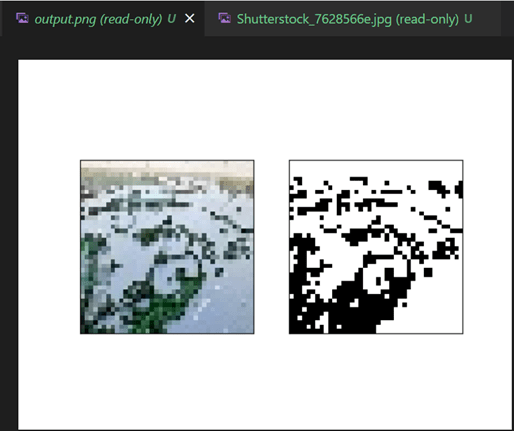
Output: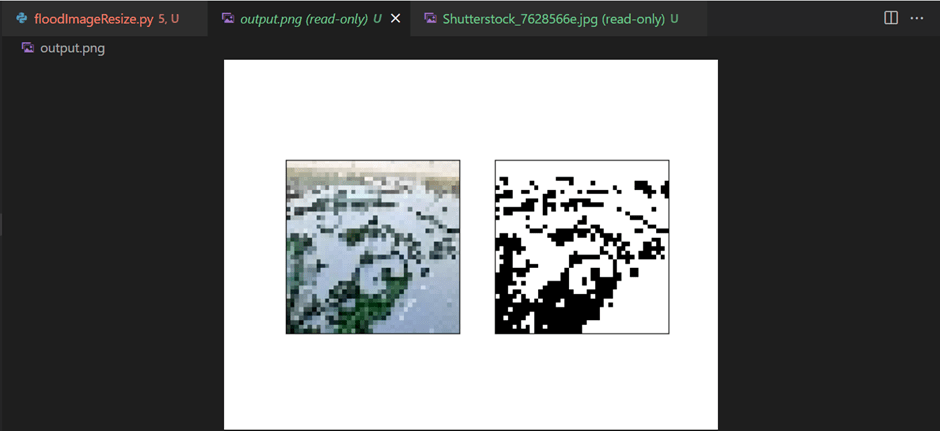
Save the output as flood1output.png
Crop the output and calculate the percentage of tree cover and percentage of land cover:
Name: floodmitigation.py
import numpy as np
import matplotlib.pyplot as plt
import cv2
from PIL import Image

#Crop the black and withe segmented output image to work on it
#Crop Dimensions :
left = 350
top  = 150
right = 575
bottom =355

imgcrop = Image.open('flood1output.png')
img2_crop = imgcrop.crop((left, top, right, bottom))
plt.imshow(img2_crop)
img2_crop.save('flood1crop_output.png')

#Read the image

img3_gray = cv2.imread('flood1crop_output.png',0)
plt.imshow(img3_gray,cmap='gray')
print('gray scale image shape : ',img3_gray.shape)

white = np.sum(img3_gray != 0)
print('number of white pixels : ',white)

black = np.sum(img3_gray == 0)
print('number of white pixels : ',black)

print('total number of pixels: ',img3_gray.size)

Percentage_green = (black/img3_gray.size)*100
Percentage_water = (white/img3_gray.size)*100
print("Percentage of tree cover in the image is : ",Percentage_green,"%")
print("Percentage of water in the image is : ",Percentage_water,"%")
Cropped output is saved as flood1crop_output.png:
Note: The top sky part is cropped out here as it is irrelevant.
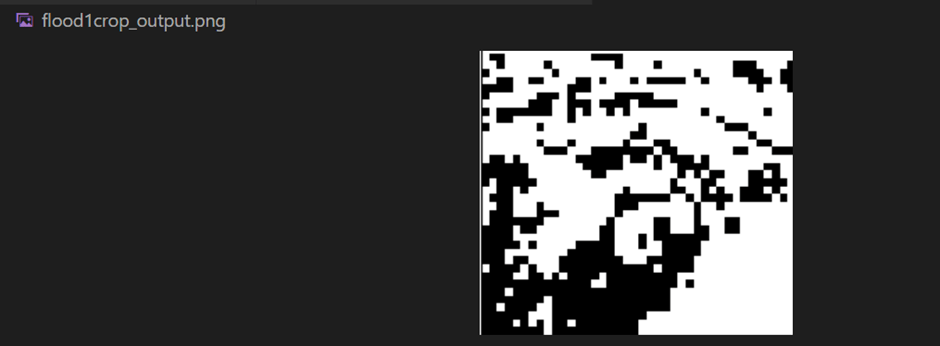
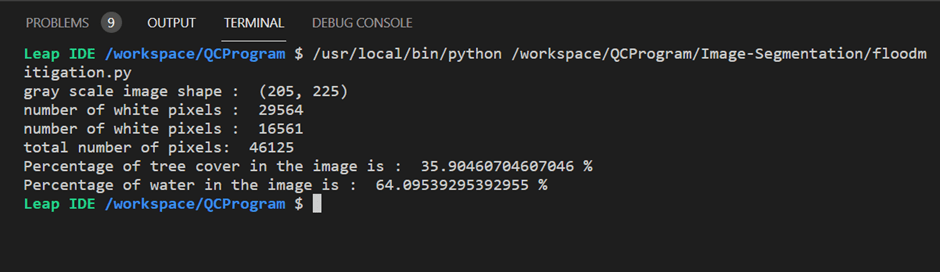
The percentage of tree(black) and water(white) cover is calculated:
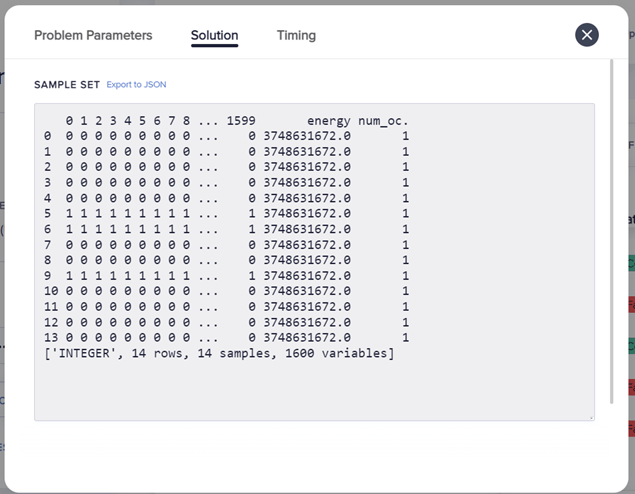
Solution Parameters:
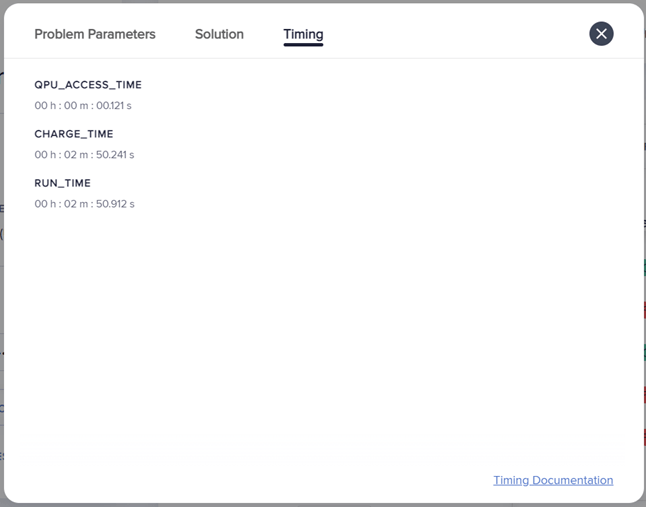
Timing
References
- “Image Segmentation,” GitHub, Jun. 08, 2022. https://github.com/dwave-examples/image-segmentation/blob/main/image_segmentation.py (accessed Jun. 25, 2022).
- “Aerial View Floods Bijapur District North Editorial Stock Photo – Stock Image,” Shutterstock. https://www.shutterstock.com/editorial/image-editorial/aerial-view-floods-bijapur-district-north-karnataka-7628566e (accessed Jul. 12, 2022).
- “Flooding alleviated by targeted tree planting and river restoration, scientists discover,” University of Birmingham. https://www.birmingham.ac.uk/news/2016/flooding-alleviated-by-targeted-tree-planting-and-river-restoration-scientists-discover#:~:text=A%20study%2C%20led%20by%20the (accessed Jul. 19, 2022).
- Dixon, S. J., Sear, D. A., Odoni, N. A., Sykes, T., and Lane, S. N. (2016) The effects of river restoration on catchment scale flood risk and flood hydrology. Earth Surf. Process. Landforms, 41: 997– 1008. doi: 10.1002/esp.3919.
 Sanjay Govindaraju